
Sometimes you receive emails with zip files, rar files or any other "strange" archive files attached and you are wondering how to open them. Stop looking for solution! IZArc is the right choice. It can unzip (extract) almost any archive file types.
If you have many documents containing confidential information or you just want to back up your files you can use IZArc to create password protected archives secured with strong AES encryption.
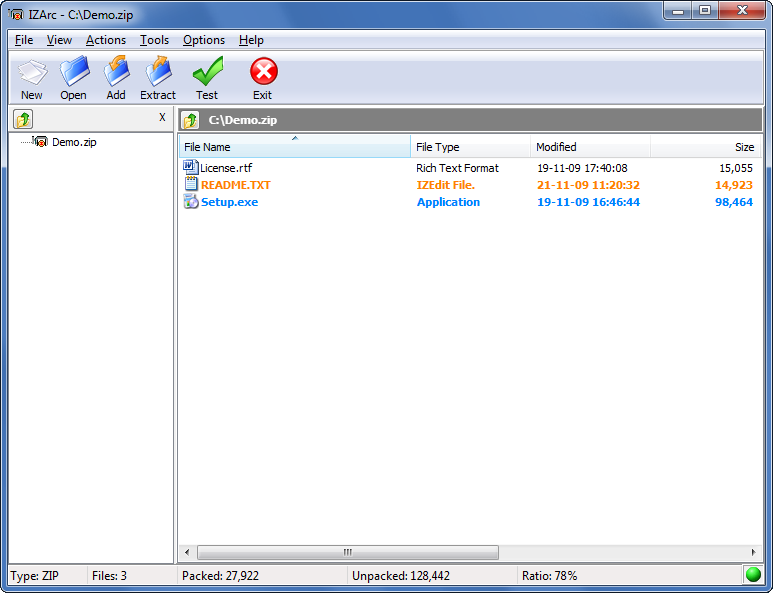 Main Window | 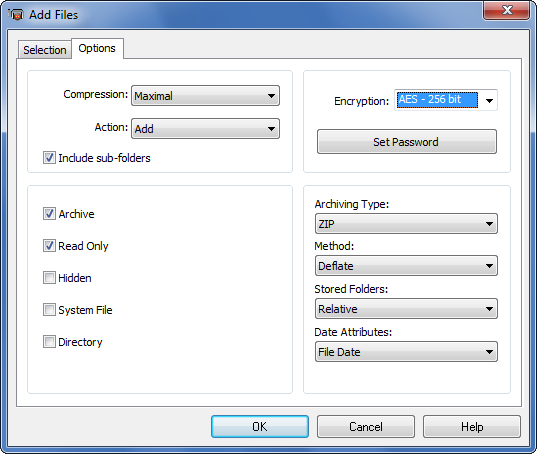 Add Files Dialog | 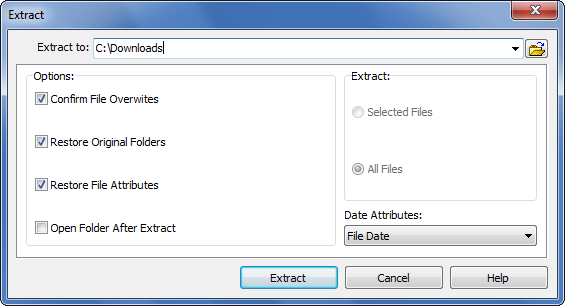 Extract Dialog | 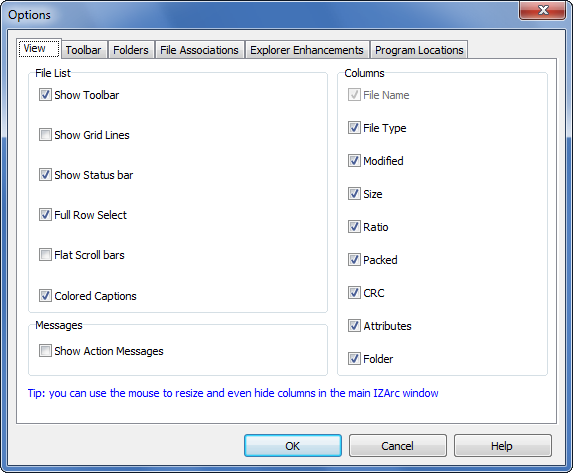 Options Dialog | |
-
IZArc is the best freeware archive utility supporting many archive formats like: 7-ZIP, A, ACE, ARC, ARJ, B64, BH, BIN, BZ2, BZA, C2D, CAB, CDI, CPIO, DEB, ENC, GCA, GZ, GZA, HA, IMG, ISO, JAR, LHA, LIB, LZH, MDF, MBF, MIM, NRG, PAK, PDI, PK3, RAR, RPM, TAR, TAZ, TBZ, TGZ, TZ, UUE, WAR, XXE, YZ1, Z, ZIP, ZOO. With a modern easy-to-use interface, IZArc provides support for most compressed and encoded files, as well as access to many powerful features and tools. It allows you to drag and drop files from and to Windows Explorer, create and extract archives directly in Windows Explorer, create multiple archives spanning disks, creating self-extracting archives, repair damaged zip archives, converting from one archive type to another, view and write comments and many more. IZArc has also build-in multilanguage support. download : http://www.izarc.org/download.html


0 Response to "IZArc – compression program"
Post a Comment